
Last updated: June 2026. This article is reviewed quarterly.
Nothing ruins the carefully curated aesthetic of a living room or bedroom quite like a corporate black plastic mesh chair and a giant dual-monitor mount.
As remote work has shifted from a temporary setup to a permanent lifestyle, the challenge is no longer just finding a place to plug in your laptop. The challenge is creating a workspace that is highly functional, yet blends so seamlessly into your home decor that it disappears when the workday ends.
You do not need to sacrifice your home’s design to remain productive. Here are four practical interior design strategies to create a home office that does not look like an office.
—
1. Disguise the Desk: Choose Furniture, Not Office Fixtures
The biggest mistake is buying office furniture from commercial suppliers. These pieces are designed for massive corporate offices, not warm residential spaces.
The Strategy
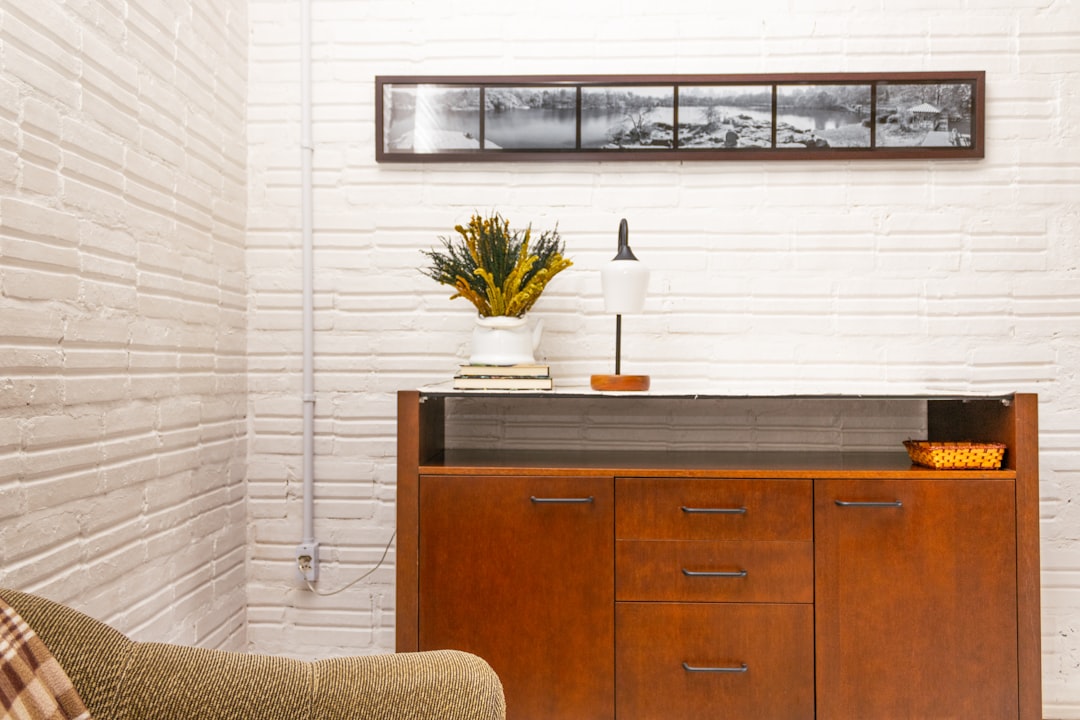
Look for desks that mimic the materials and design language of your existing home furniture. A mid-century modern console table with drawers can serve as a perfect desk during the day.
Alternatively, invest in a secretary desk (cabinet desk). These feature a fold-down front panel that acts as your workspace. When the clock strikes 5:00 PM, you simply close the cabinet, completely hiding your laptop, monitor, and paperwork from view.
The Chair Problem
Ergonomic chairs do not have to be black mesh. Look for dining room chairs or accent armchairs that offer structured lumbar support, upholstered in warm fabrics like boucle, velvet, or leather. As long as the seat height matches your desk, a beautiful accent chair will blend into your room while keeping you comfortable.
—
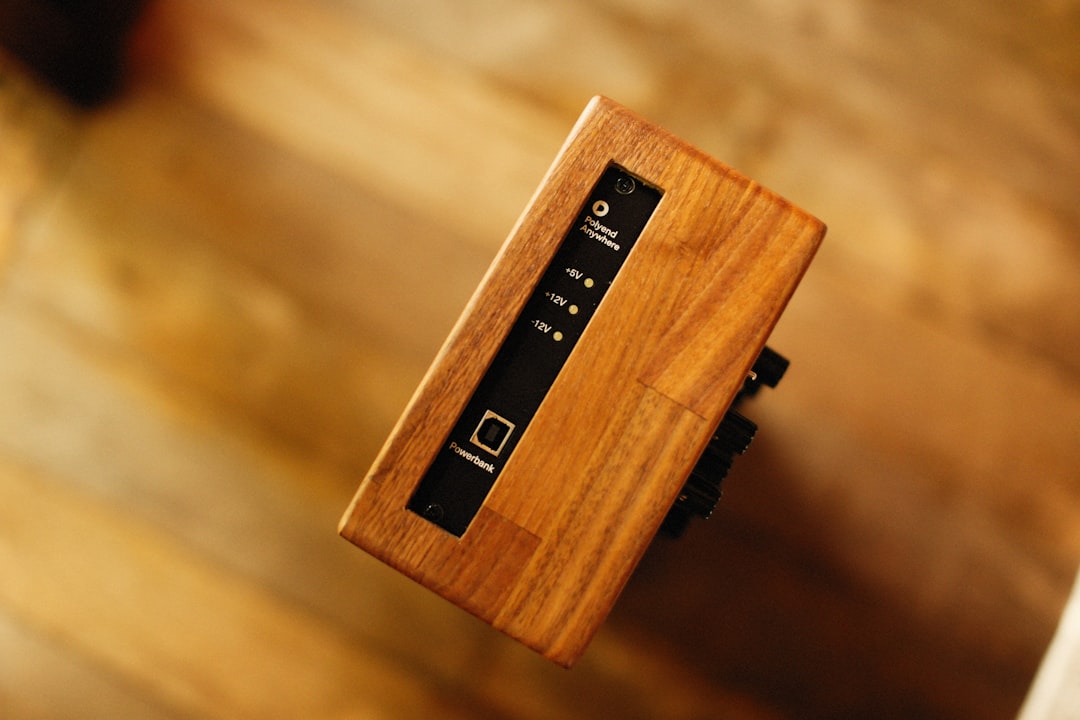
2. Eliminate Visual Noise: Strict Cable Management
A tangle of black power cords, charger bricks, and monitor cables is the quickest way to make a corner look like an IT department.
The Strategy
Keep cables completely invisible. Mount a heavy-duty power strip to the underside of your wooden desk using double-sided mounting tape. Use adhesive cable clips to route power cords down the back of a single desk leg, keeping them out of sight.
For chargers and auxiliary cables, use a wooden or ceramic cable organizer box that sits on your desk or floor. It looks like a decorative container but hides your power bricks inside.
—
3. Decor-Aligned Tech: Ditch the Corporate Look
Most computer peripherals are designed with a cold, industrial aesthetic. To make your desk look like home, seek out tech that prioritizes materials like wood, fabric, and metal.
The Strategy
* Keyboard & Mouse: Opt for minimalist mechanical keyboards with wooden or pastel keycaps, and a sleek metallic mouse, rather than chunky black plastic models.
* Monitor: Instead of mounting your monitor to a heavy metal arm, use a wooden monitor stand with storage underneath. This hides your keyboard when not in use.
* Desk Pad: Replace rubber gaming mousepads with a premium merino wool felt or top-grain leather desk mat. It adds texture and warmth to your desk surface.
—
Workspace Integration Checklist
To help you audit your setup, here is how to replace corporate elements with residential design alternatives:
| Corporate Element | Residential Alternative | Primary Benefit |
|—|—|—|
| Black Mesh Office Chair | Upholstered dining or accent chair | Blends with living room furniture |
| Steel Monitor Mount | Solid wood monitor riser | Warm materials, conceals keyboard |
| Plastic Desk Pad | Merino wool felt or leather mat | Adds organic texture and warmth |
| Dangling Cords | Under-desk mounted power strip | Eliminates visual clutter completely |
—
The Insider Verdict: Balancing Work and Home
Creating an integrated workspace is about setting boundaries. The goal is to design a space that facilitates deep focus during work hours, but does not remind you of work during your leisure hours.
* Adopt this integrated design if your workspace is in a shared room (like a living room or bedroom) and you want to maintain a cozy, cohesive home aesthetic.
* Stick to a traditional setup if you have a dedicated office room with a door, where ergonomics and maximum screen real estate take priority over home styling.
By choosing furniture with domestic character, hiding cords, and selecting tech made from warm materials, you can build a highly productive workspace that respects your home’s design.
How do you keep your workspace from taking over your room? Do you hide your laptop at the end of the day? Let us know in the comments section below.
How do you hide all the unsightly power cords and cables when you have a desk in the middle of the living room?
Hi Nora! Cable management is key here. You can mount a cable tray under your desk, use braided cable sleeves to bundle cords together, and run them down one of the desk legs using adhesive clips. A nice basket on the floor can also hide power strips!